
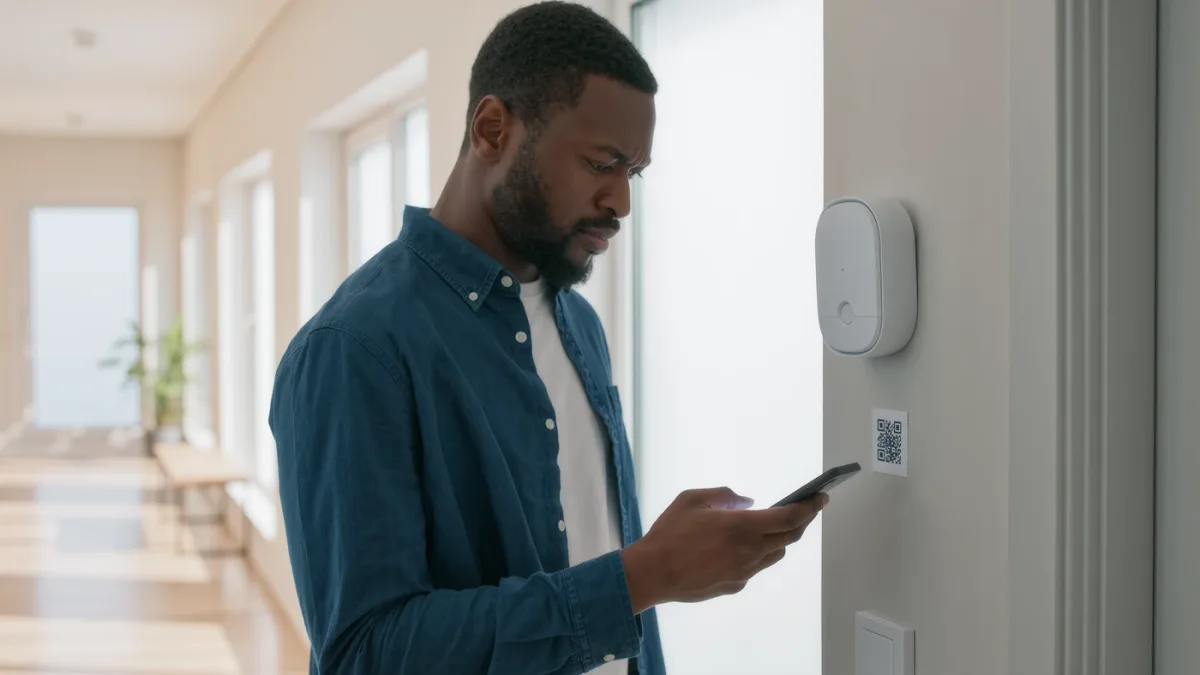
Matter setup in practice: get a controller, get a Thread border router (often the same device), then add Matter devices by QR code through your platform's add-accessory flow. If you own an Apple TV 4K, HomePod, recent SmartThings hub, Echo device with built-in Thread, or a Nest hub generation 2, you already own both requirements — the documented roster of border routers is broader than most people realize. The catch: Matter devices still pick their home platform carefully — multi-admin sharing is documented but uneven — so choose the platform your household actually lives in.
Step 1 — Confirm your controller
Every major platform documents Matter controller status: Apple Home via Apple TV 4K or HomePod as home hub; Google Home via Nest hubs; Alexa via recent Echo devices; SmartThings via its Station or Hub v3. Without one of these devices, Matter's local control doesn't have its anchor — the documented requirement before buying any Matter gadget.
Step 2 — Know where Thread comes from
Thread is the low-power mesh network Matter devices use, and it needs a border router — which is built into many of those same hubs (Apple TV 4K, HomePod Mini, Echo fourth-gen-and-later, Nest Hub Gen 2, SmartThings Station — the documented list). One border router suffices; multiple from different vendors can coexist, and Thread's documented self-healing mesh improves as you add mains-powered Thread devices.
Related stories: How to Fix a Smart Home Device That Keeps Going Offline · How to Secure Your Wi-Fi Router in 30 Minutes.
Step 3 — Add devices the new way
- In your platform's app, choose Add Accessory / Add Device.
- Scan the Matter QR code on the device or its box.
- Approve the pairing prompt; the platform negotiates commissioning on your network — the documented onboarding that replaces brand-app account creation.
- Place mains-powered Thread devices strategically (plugs between battery sensors and the router) to extend the mesh — documented topology advice.
What improves, and what still doesn't
- Better: one device, multiple platforms (multi-admin is documented); local control that survives internet outages on supported platforms; no per-brand accounts for Matter-native gear.
- Still imperfect: devices that are "Matter-compatible" via bridges expose limited features; some categories (cameras) have thin Matter support; and platform-specific features (Ring's Neighbors, Nest's smart alerts) stay in their apps.
What are the documented failure modes?
- "Works with" ≠ Matter: a device listing Alexa and Google support isn't necessarily Matter — look for the Matter logo and version.
- Wi-Fi-only homes: Matter-over-Wi-Fi devices work without Thread, but battery sensors strongly document Thread's battery advantage.
- Firmware at commissioning: first pairing often triggers an update that stalls setup — the documented answer is patience, ten minutes, then retry.
The verdict
Check your hub, scan the code, place mains-powered Thread devices as mesh anchors. If you're starting a smart home in 2026, buying Matter-native devices is the documented future-proof path — and if you own a hub from any major platform, you're already equipped.