
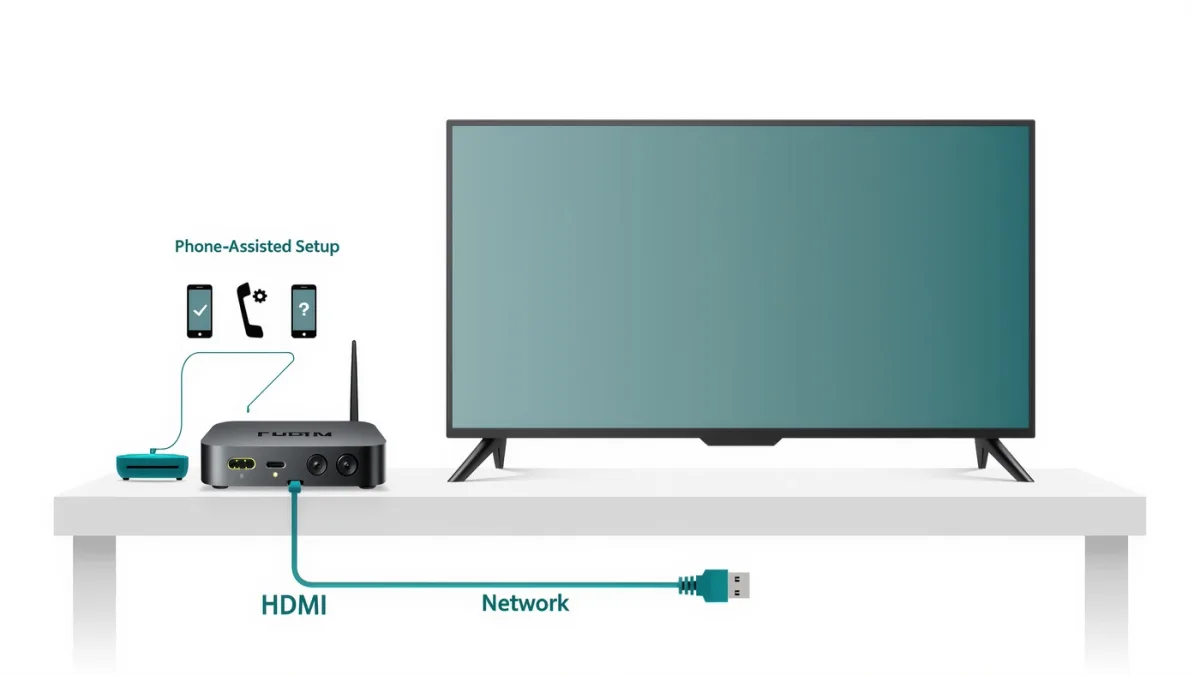
Hardware setup is ten minutes: plug in HDMI and power, pick the input, connect to Wi-Fi — and both platforms document phone-assisted sign-in (scan a code with your iPhone for Apple TV; the Google Home app sets up Google TV devices) that skips on-screen keyboard typing entirely. The part worth your attention comes after: turn off personalized ads, decide on ACR (automatic content recognition) where present, and disable autoplay previews — the documented settings that make the box yours instead of an ad platform's.
Apple TV (the box) setup
- Connect HDMI, power on, and hold the iPhone near it when prompted — Apple documents the setup carrying your Wi-Fi, Apple ID and preferences from the phone.
- Sign in to each streaming app via the iPhone-authenticated method (one code scan per app family where supported) rather than arrow-key typing passwords.
- Settings worth changing: Privacy & Security → turn off ad tracking; Settings → Video and Audio — match frame rate and dynamic range to your TV (documented as "Match Content"); Users and Accounts → turn off video previews autoplaying.
Google TV setup
- Power on near your phone; the Google Home app documents walking the Wi-Fi and account setup from Android or iOS.
- During setup, decline the personalized-ads toggle when offered; afterwards, Settings → Privacy → Usage & diagnostics off.
- Home screen: Google TV documents "Only apps" mode — a plain app grid replacing content rows — the single setting that de-clutters the interface most.
- Disable autoplay previews under Settings → System → Ambient mode or the apps-row settings depending on device generation.
Related stories: How to Set Up a New Android Phone in 2026, Step by Step · How to Set Up Find My iPhone and Find My Device So They Actually Work.
What are the documented catches?
- ACR on smart TVs: if you use the TV's built-in apps instead of a box, several brands document automatic content recognition (tracking what you watch) with opt-outs buried in privacy settings — a documented reason boxes stay popular with privacy-minded users.
- App elimination: both platforms let you remove preinstalled apps from the home screen rather than uninstalling — tidy what you see, ignore the rest.
- Remote pairing quirks: Apple's remote pairs once; Google TV remotes occasionally need re-pairing after battery swaps (documented button-hold procedures).
Which box for which household?
Apple TV 4K ($129, listed late 2025) documents the tightest privacy posture and iPhone integration; Google TV streamers ($30–100 across Chromecast-with-Google-TV variants and the 2024 Google TV Streamer at $99.99) document the cheaper ecosystem with Google-home integration. Both run every major service — the decision is phone ecosystem and price, not catalog.
The verdict
Ten minutes to run, ten minutes to configure — and the privacy settings are the ten that matter. What the sources did not establish: any streaming box making content load faster than its competitors in ways users document noticing; interfaces and ecosystems, not speed, are the choice.